HOW I USE SOUND CUES TO MANAGE CLASSROOM TRANSITIONS
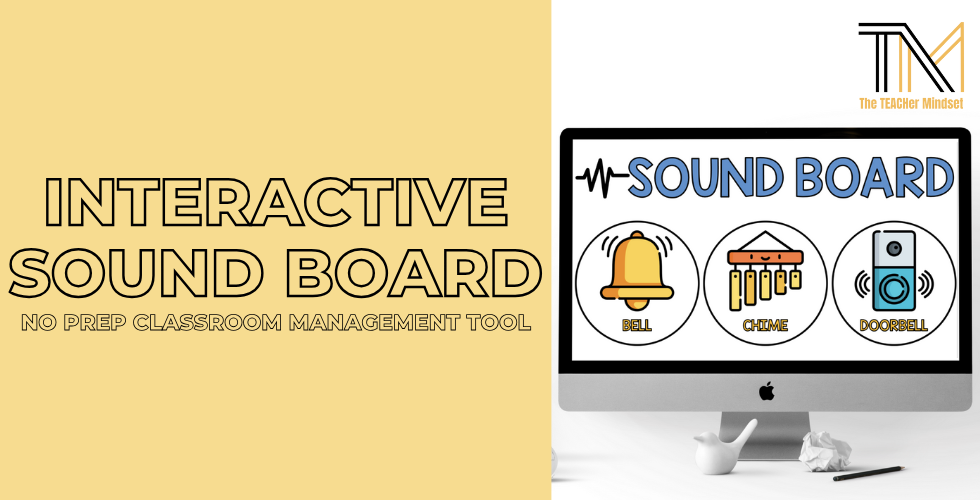
One of the biggest challenges in the classroom is managing transitions and getting students’ attention without constantly raising your voice. Over time, I found that using consistent sound cues made a big difference in how smoothly our day ran. Instead of repeating directions or calling for attention, I began using a simple sound board with familiar sounds. Once students learned what each sound meant in our classroom, transitions became faster and much calmer.
Sound cues work in my classroom because they are consistent and easy for my students to recognize. When the same sounds are used every day, students begin to respond automatically. This reduces the need for repeated reminders and helps keep instruction moving. They are also non-verbal, which I found especially helpful during busy or noisy parts of the day.
HOW I USED THIS IN MY CLASSROOM
When I first introduced the sound board, I modeled how students should respond to each sound. We practiced together and talked through expectations so everyone understood what to do when they heard each one. This is incorporated into the classroom routines that we learn at the beginning of the school year.
In our class, we used each of the following sounds for the following cues:
Bell Sound: a guest has entered the classroom. Stop and give them your attention
Chime Sound: clean up stations or prepare for the next activity
Doorbell Sound: stop and give the teacher your attention
Over time, the sounds became part of our routine. I used them to get students’ attention, signal transitions, and support daily classroom expectations. Because the sounds are familiar and neutral, they worked well across different activities and age levels. Teachers can easily assign meaning to each sound in a way that fits their own classroom routines.
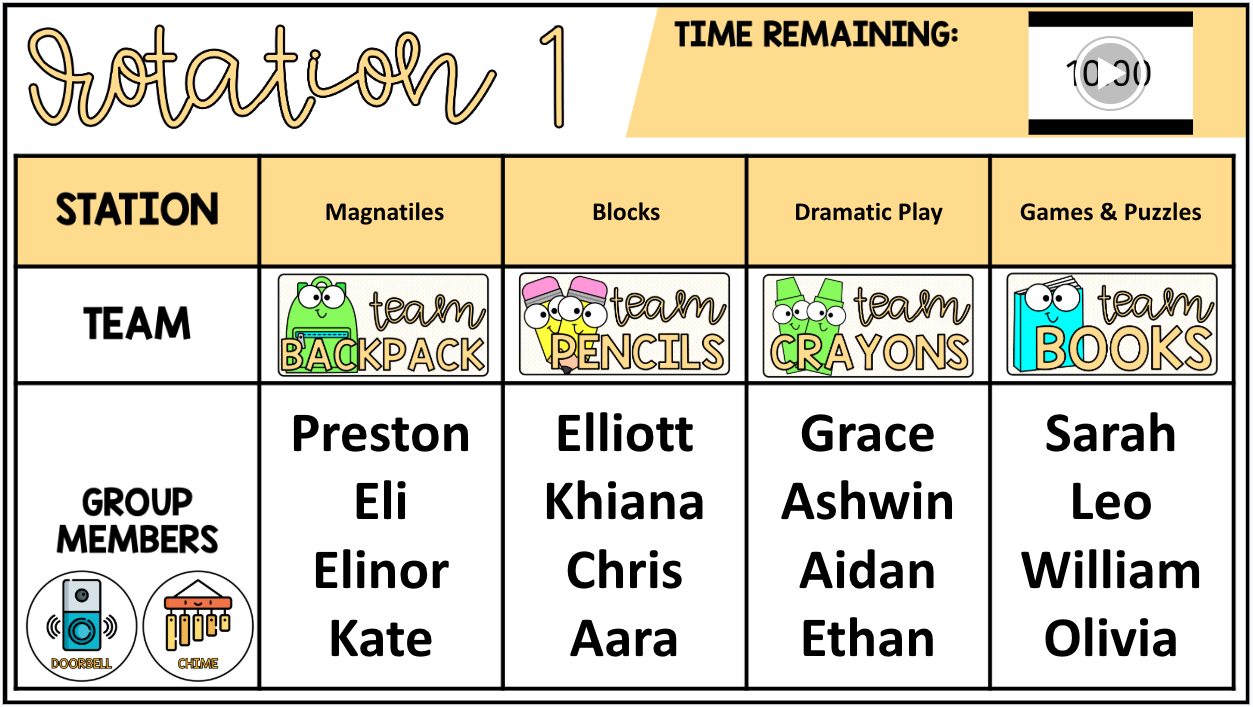
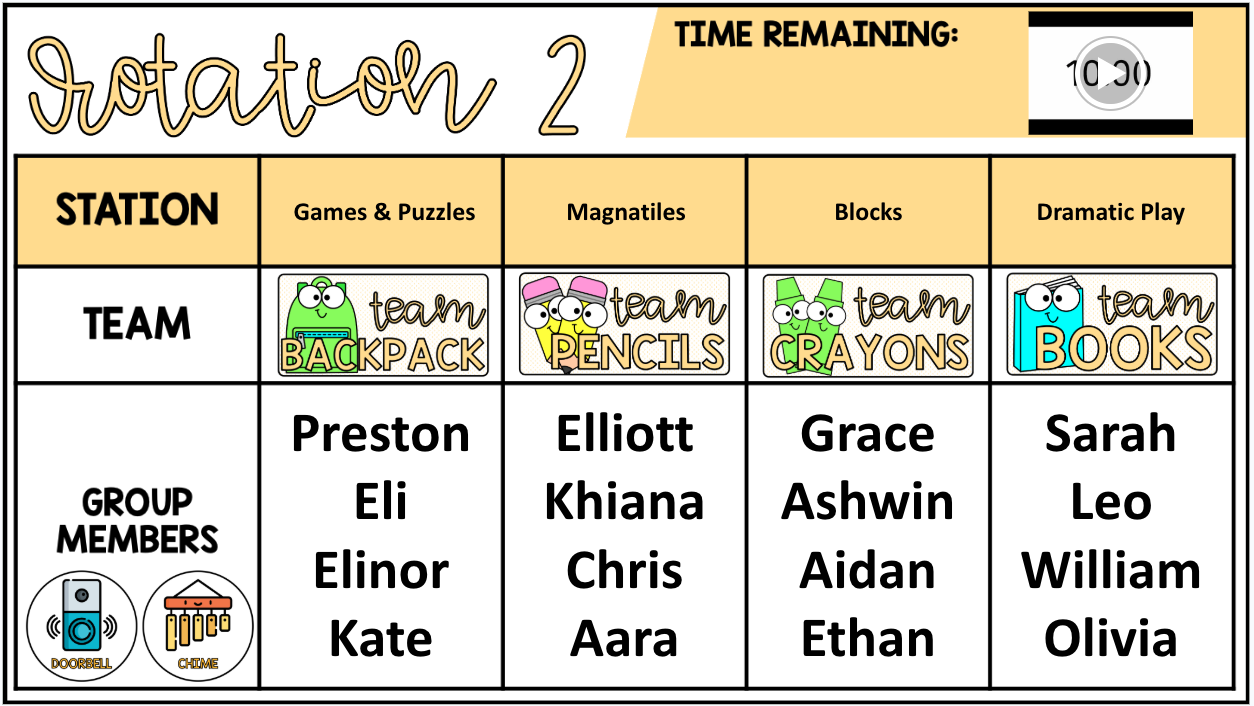
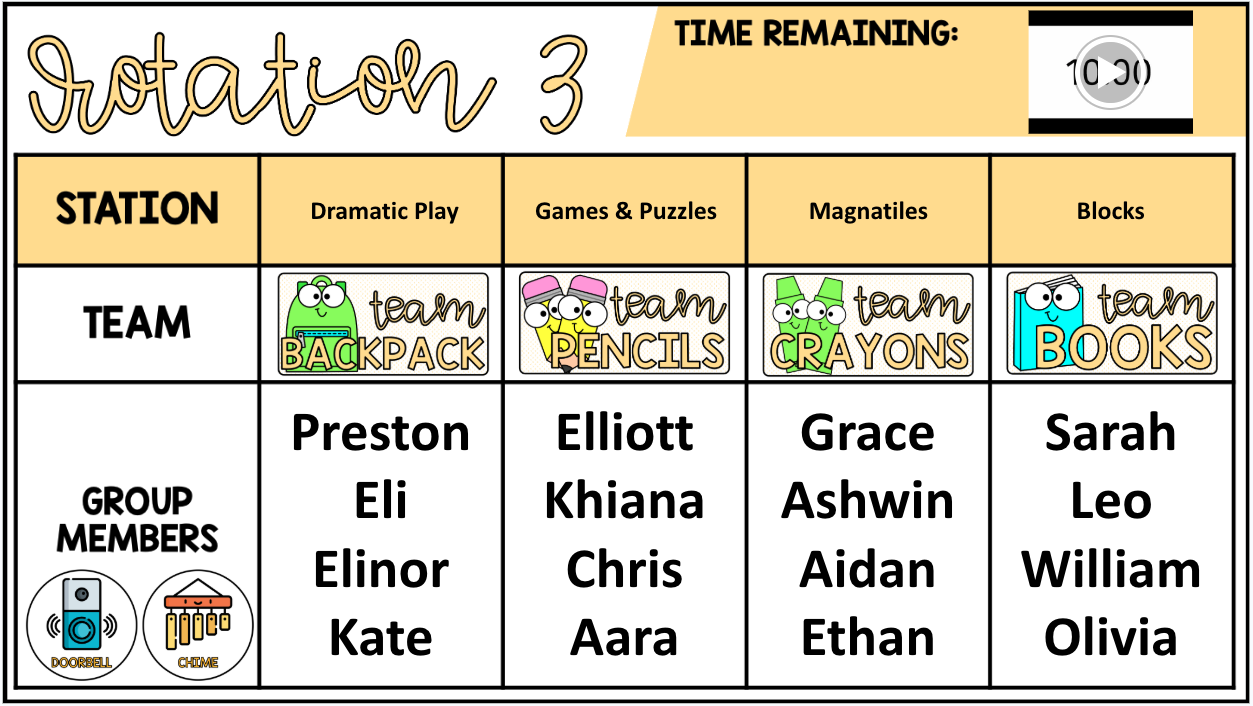
INCORPORATING SOUND BOARD CUES INTO CENTERS
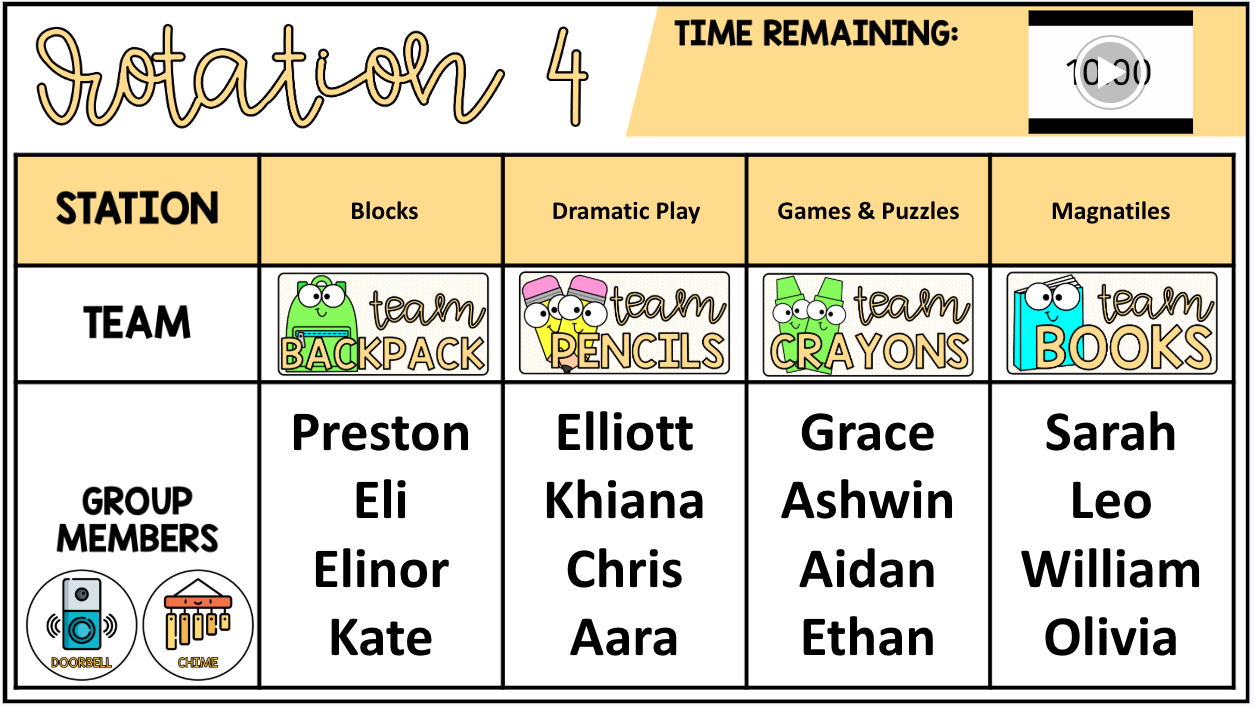
One of the main ways I used the sound board was during our center rotations. During centers time, I projected a slide on the board that showed which centers students were in for each rotation, along with a timer for the station.
When the timer went off, I did not call out directions. Instead, I clicked the doorbell sound to get students’ attention. Once I had their focus, I used the chime sound to signal that it was time to clean up their current center and prepare to rotate. Over time, this routine allowed centers to run more smoothly and gave students a clear signal for when one rotation ended and the next one was about to begin.
FLEXIBILITY OF THE POWERPOINT SOUND BOARD
The best part about using this sound board is that it can be used from anywhere in the classroom. If you are using it for center slides like I did in the classroom, you can project this on your classroom smart board and interact with it from there. If you are away from your smart board in the classroom, you can open this up on the PowerPoint app on your phone or smart device in your classroom, connect that to a speaker in your classroom, and project the sound from the speaker. You can even take this outside of your classroom if you have a portable speaker.
DOWNLOAD YOUR FREE COPY
If you would like to try this tool in your own classroom, you can download it for free below. The resource includes one PowerPoint slide with the chime, bell, and doorbell sounds. Each sound is embedded directly into a PowerPoint file, so it plays instantly with just one click. The presentation opens automatically in slideshow mode and works on any device that has Microsoft PowerPoint or the PowerPoint app.
I hope this resource helps make your classroom routines feel more organized and less stressful, while giving you an easy way to communicate expectations throughout the day.